Encrypted vault
Cookies encrypted with Windows DPAPI or your own master password (Argon2id + AES-256-GCM), with auto-lock and an optional recovery code.
 RoALT
0on site now
A fast, local-only account manager and multi-client launcher for Windows. Your cookies stay encrypted on your PC. Nothing is sent anywhere except Roblox.
Windows may warn on first run: choose More info → Run anyway. No admin rights needed. Check the SHA-256
Cookies encrypted with Windows DPAPI or your own master password (Argon2id + AES-256-GCM), with auto-lock and an optional recovery code.
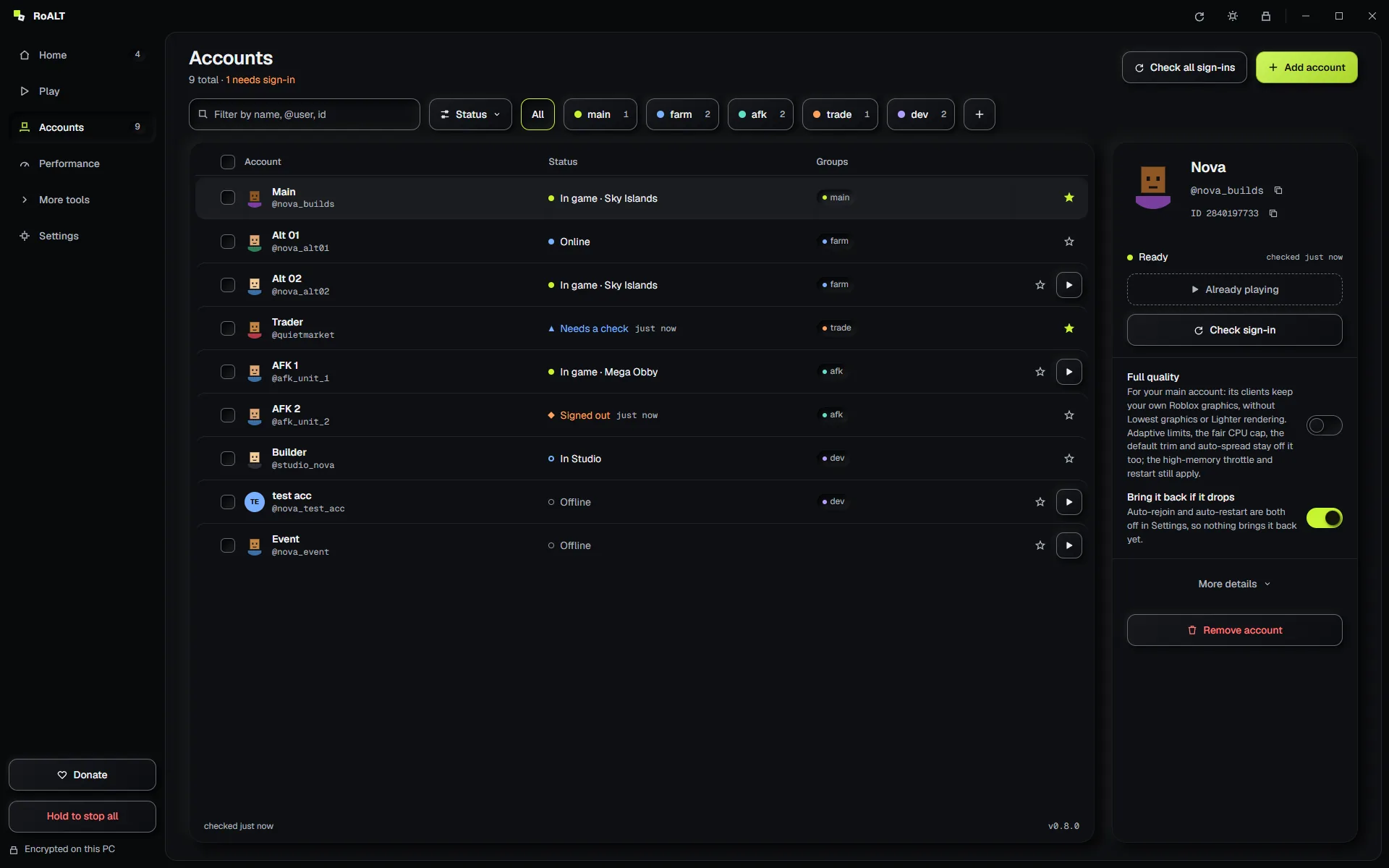
Avatars, live presence, Robux, friends and 2-step status. Groups, aliases, notes, favourites and search.
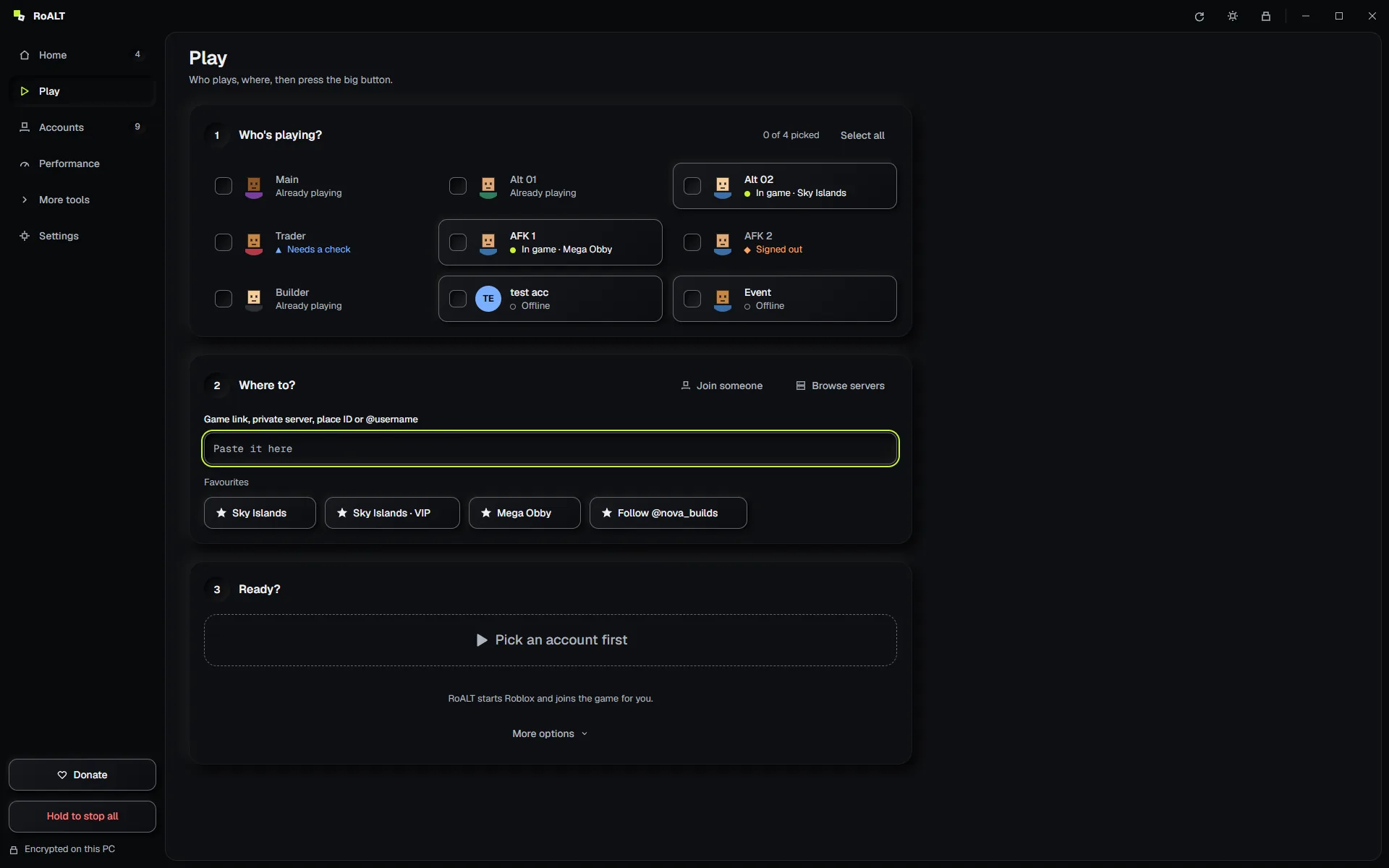
Paste a game link, place ID, job ID, private server, share link or @username. RoALT works out what it is.
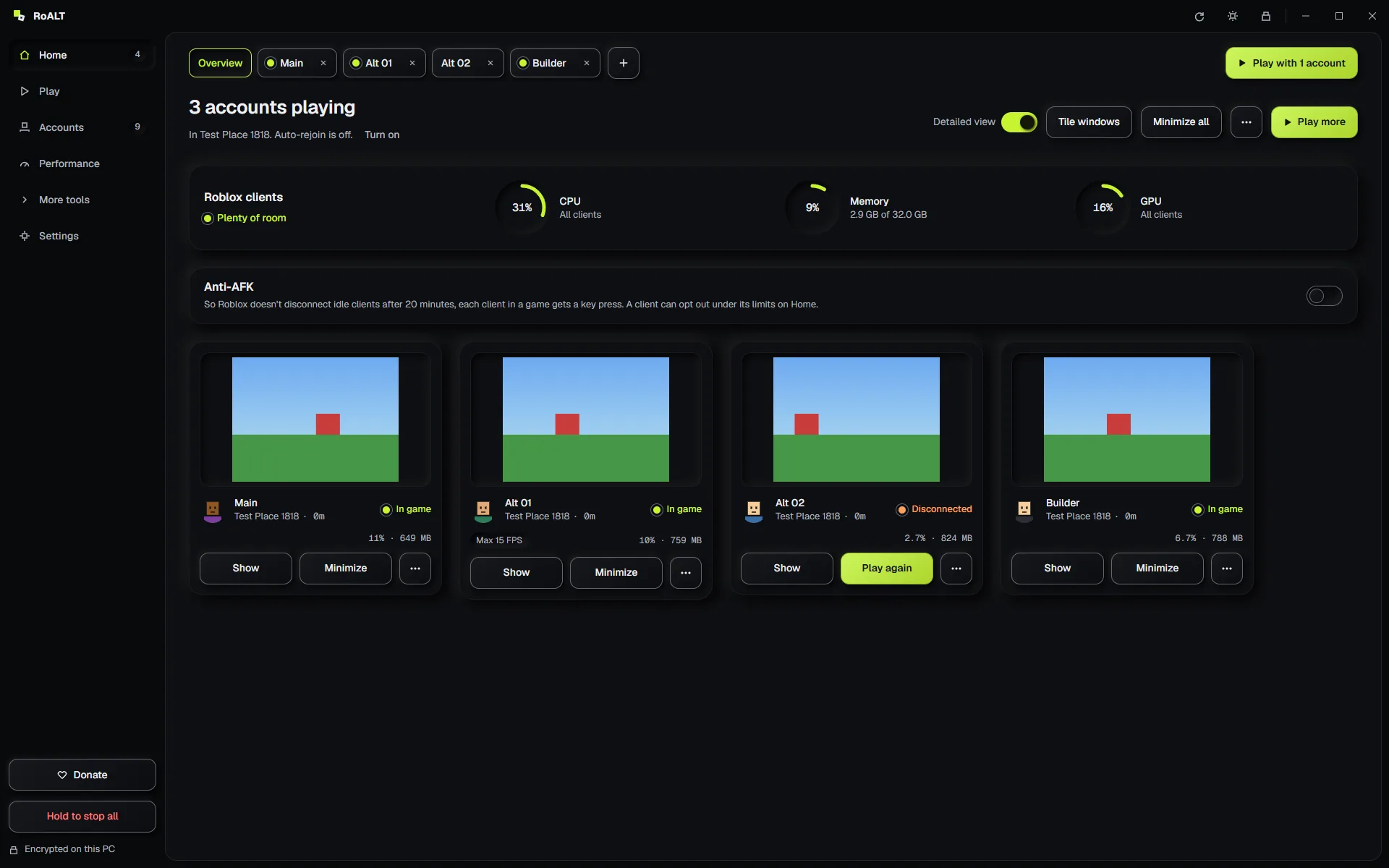
Run several clients side by side. Launch a batch one after another, all into the same server if you like.
A disconnected client rejoins the same game on its own. Opt-in restart for crashed, frozen or memory-hungry clients.
Browse public servers by players or ping, see your private servers, and send any accounts into the one you pick.
CPU, memory, disk, network and uptime per client, with sparklines and totals, refreshed every 2 seconds.
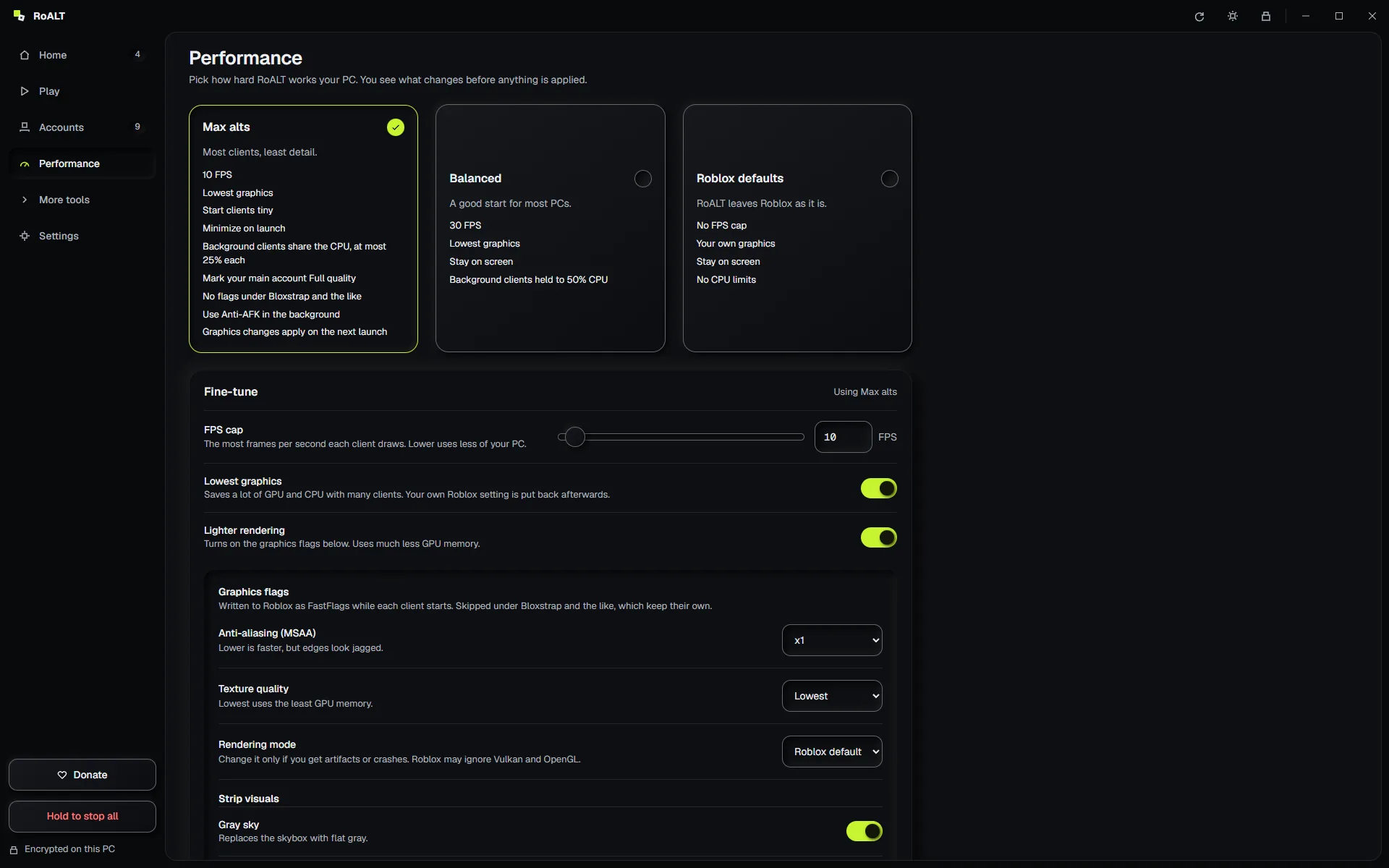
FPS cap, lowest graphics and graphics flags, with presets and shareable profiles. Max alts runs clients tiny at 10 FPS.
Crashes, disconnects, restarts and finished batches posted to your own webhook, kept encrypted in the vault.
Shows when Roblox is out of date and installs the update with Roblox's own installer, after checking its signature.
Drag a client's edges to any size, past the 800×600 minimum Roblox holds it to, or start every client tiny.
English, Arabic (fully right to left), Chinese, Japanese, Korean, Russian, Spanish and 11 more.
Sign in through Roblox's own page, 2-step and passkeys included. RoALT keeps it signed in.
Place ID, private server, share link or @username. RoALT works out what it is.
Launch one account or a whole batch, all into the same server if you like. Ctrl+Enter.
*.roblox.com and *.rbxcdn.com, GitHub for its own updates, and your Discord webhook.roalt.db can't be read on another PC.RoALT signs in the same way the Roblox website does and never touches the Roblox client. Roblox doesn't officially support running several clients at once. Use RoALT only with accounts you own.
The installer isn't code-signed yet, so SmartScreen doesn't recognise it. Compare its SHA-256 with SHA256SUMS.txt on the release page, then choose More info, Run anyway.
Roblox's tray app or an open client already holds the lock RoALT needs. Click Close Roblox when RoALT offers it, or Take over to keep that client open.
Yes. RoALT launches through the registered bootstrapper and follows its clients.
In %LOCALAPPDATA%\RoALT. Settings, Data opens it or moves it to another folder or drive. Uninstalling keeps it unless you tick "also delete my data".